

Conference Media Kits
No other event in the world offers a better opportunity to hear about current issues and trends in the medical device ecosystem than MedTech Strategist’s Innovation Summit Series.
Throughout our conferences, attendees participate in events, hear inspiring speakers, and learn from thought leaders and colleagues at enlightening discussion panels and in-depth sessions over the span of two to three days.
Each conference agenda is thoughtfully designed to maximize your team's time and investment by showcasing hand-selected emerging technologies from around the world, along with candid onstage interviews, and panel discussions from key influencers spanning the global medical device industry.
You will also have an opportunity to meet hundreds of the world’s best and brightest exhibitors, investors and executives in the medtech space.
Share with your audience that you’ll be attending.
Event Information

Shareable Conference Graphics
Innovation Summit San Diego 2026
Click image to open, right click and choose “Save As..”
Click image to open, right click and choose “Save As..”
Click image to open, right click and choose “Save As..”
Click image to open, right click and choose “Save As..”
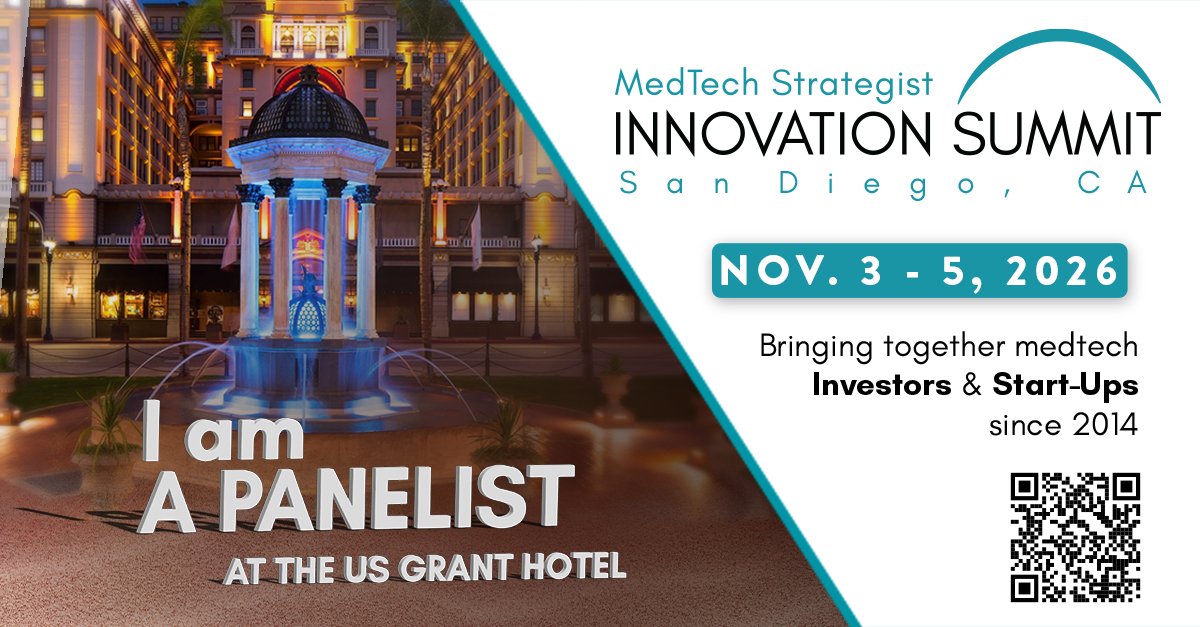
Click image to open, right click and choose “Save As..”
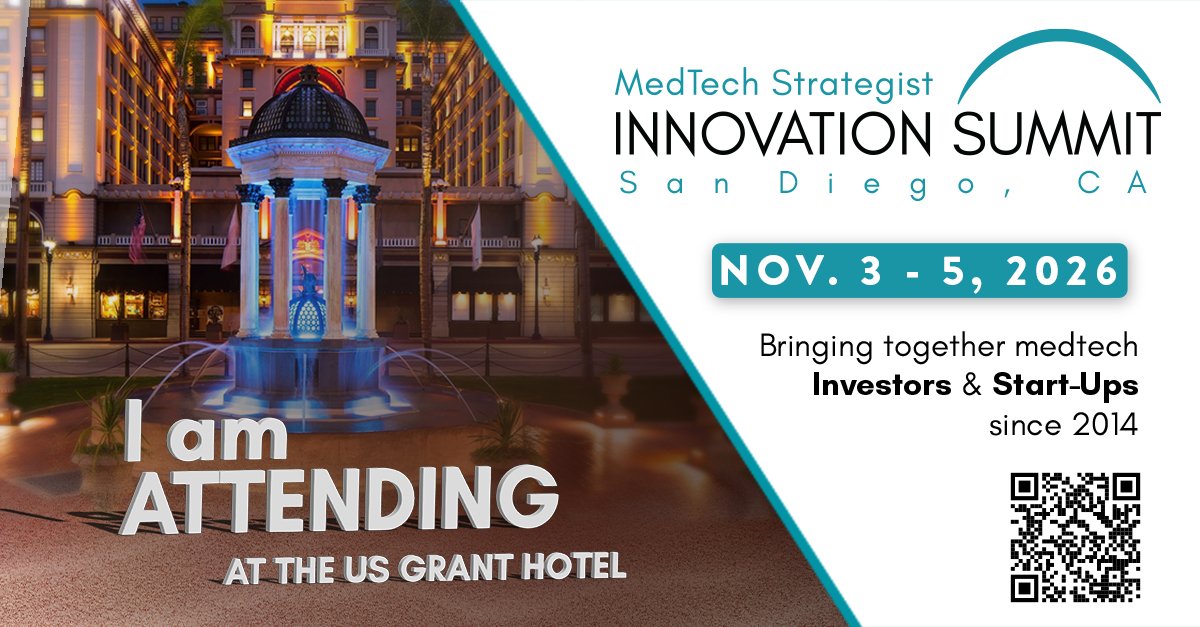
Click image to open, right click and choose “Save As..”
Click image to open, right click and choose “Save As..”
Information Request Forms
In order to maximize your visibility, the MedTech Strategist team requires certain information from our partners. Please return the media form as soon as possible.
Presenting Companies:
https://goo.gl/forms/oxYe961tkqHpS2zl1
Speakers/Panelists:
https://goo.gl/forms/EFnrFbcxiGsmgDE43
Event Sponsors:
https://goo.gl/forms/nEfBzpIYBnxyr22a2
Your Media Contacts:
Andrea Mancini
Senior Director of Commercial Operations
a.mancini@medtechstrategist.com
Murad Kakish
Director of Brand Strategy & Marketing
m.kakish@medtechstrategist.com
Sandy Corbett
Director of Operations
s.corbett@medtechinno.com
Instructions for Adding Logos to Graphics
Option 1: Canva, easiest for most people
Go to canva.com and click Create a design, then choose Custom size and enter the image dimensions 1200px wide x 672px high.
Upload the Innovation Summit graphic and add it to the page.
Click Uploads again and upload your logo file.
Drag your logo onto the white area on the right side.
Resize and center it as needed.
Click Share, then Download as PNG or JPG.
Option 2: Microsoft PowerPoint, no design skills required
Open PowerPoint and insert a blank slide.
Click Insert, then Pictures, and add the Innovation Summit graphic.
Click Insert, then Pictures again, and add your logo.
Drag the logo onto the white space and resize using the corner handles.
Right click the slide and choose Save as Picture.
Option 3: Windows built in Photos app, most basic
Right click the image and open with Photos.
Click Edit Image, then use the Markup or Insert option to add your logo if available.
Position it in the white area and save a copy.
Questions?
We encourage you to spread the word about our Innovation Summit Conference to your extended community. Please contact us with any questions or requests at info@medtechstrategist.com.
